

If you’ve been auditioning lately, you know that self-tapes are the new normal.
Whether you like them or not, they’re here to stay. From a casting perspective, they’re convenient, fast, and allow casting directors to see more actors than ever before.
But here’s the issue that many actors face: sometimes, there’s no one to read with you. Maybe your roommate’s asleep, your acting buddy’s busy, or you’re taping late at night before a deadline. Whatever the reason, it leaves you asking the same question:
How do I self-tape without a reader?
Good news. You’ve got options. Below, we’ll break down five practical, modern solutions for self-taping solo, from DIY hacks to cutting-edge AI tools like Rehearser.co.
Why a Reader Matters (and How to Work Around It)
Before we jump into solutions, it helps to understand why having a reader is important in the first place.
A good reader helps you keep your pacing natural, maintain emotional rhythm, and stay grounded in the scene
But the truth is, most self-tapes don’t require a perfect partner. Casting just needs to see you act truthfully, hit your marks, and show that you can carry the moment.
Thanks to technology, there are now several ways to simulate a reader, or even replace one completely. Let’s explore.
1. Use an AI Reader App (Best Option for 2025)
The easiest, most realistic way to self-tape without a reader is to use an AI reader app. These apps let you upload your sides, assign voice actors, and have the AI read the other lines for you.
That’s exactly what Rehearser.co was built for.
Rehearser listens as you perform your lines and automatically plays your partner’s next line once you’re done. It’s completely hands-free, no tapping screens, no lag, no awkward pauses. You can even assign different voices for each character, adjust the pacing, and rehearse your scene multiple times before recording.
Perfect for:
- Actors rehearsing late at night
- Quick turnaround self-tapes
Practicing scenes as many times as you’d like
2. Pre-Record Your Own Lines
If you’re not using AI yet, the old-school method still works: pre-record your own lines.
You can use your phone’s voice memo app or GarageBand to record the other character’s dialogue. Leave pauses where you’d normally speak your lines, then play it back during your self-tape.
Pros:
- 100% free
- Lets you control timing
Cons:
- Feels robotic if timing is off
- Difficult to adjust after the fact
Pro tip: Keep your “reader voice” neutral. Casting wants to focus on you, not your line reading.
3. Use a Friend Over Zoom or FaceTime
Sometimes you can’t find someone in person, but you can find someone online.
Ask a friend to hop on Zoom or FaceTime and read your lines while you record on your phone. Set the device playing your reader near your camera so your eyeline stays consistent.
Pros:
- Real human reactions
- Great for emotional scenes
Cons:
- Lag or poor audio can ruin takes
- Scheduling another person can still be tough
If you go this route, test your connection and sound levels beforehand.
4. Hire a Virtual Reader Service
If you want the full professional feel — timing, tone, and responsiveness — you can hire a live reader online.
Services like WeAudition and ActorTrade let you pay trained readers by the minute. They’ll read opposite you and even help coach your performance.
Pros:
- Realistic pacing and feedback
- Support from trained actors
Cons:
- Cost adds up ($1–$2/minute)
- Not ideal for quick turnaround auditions
If you’re doing self-tapes weekly, this might not be the most sustainable option. That’s why more actors are turning to tools like Rehearser.co to get similar results at a fraction of the cost.
5. Post-Recording Your Lines (Just Kidding Please Don’t do This)
Let’s talk about a method that keeps popping up on actor forums — and why you should avoid it at all costs.
Some actors film their self-tape first, then record the other character’s lines in afterward during editing. It might sound like a clever shortcut, but here’s the problem: you’re not actually reacting to anything.
Acting is about impulse and connection — two things that vanish when you’re performing to silence and trying to “time it out” later. The result almost always feels off-beat and disconnected.
Casting directors can spot this instantly. The pacing is unnatural, your eyelines drift, and the emotional rhythm never quite lands.
If you truly have no one to read with, you’re far better off using:
- An AI reader app like Rehearser.co, which listens and cues your partner’s next line automatically,
- Or pre-recording your partner’s lines before filming — at least then, you’re responding in real time.
We’re only mentioning post-recording because it’s oddly common, but take it from industry pros: it’s a habit worth breaking. A believable, connected self-tape requires you to act with something — not edit your reactions in after the fact.
Pro Tips for Self-Taping Alone (and Looking Professional)
Even with the best reader solution, your setup still matters. Here are a few quick pro tips:
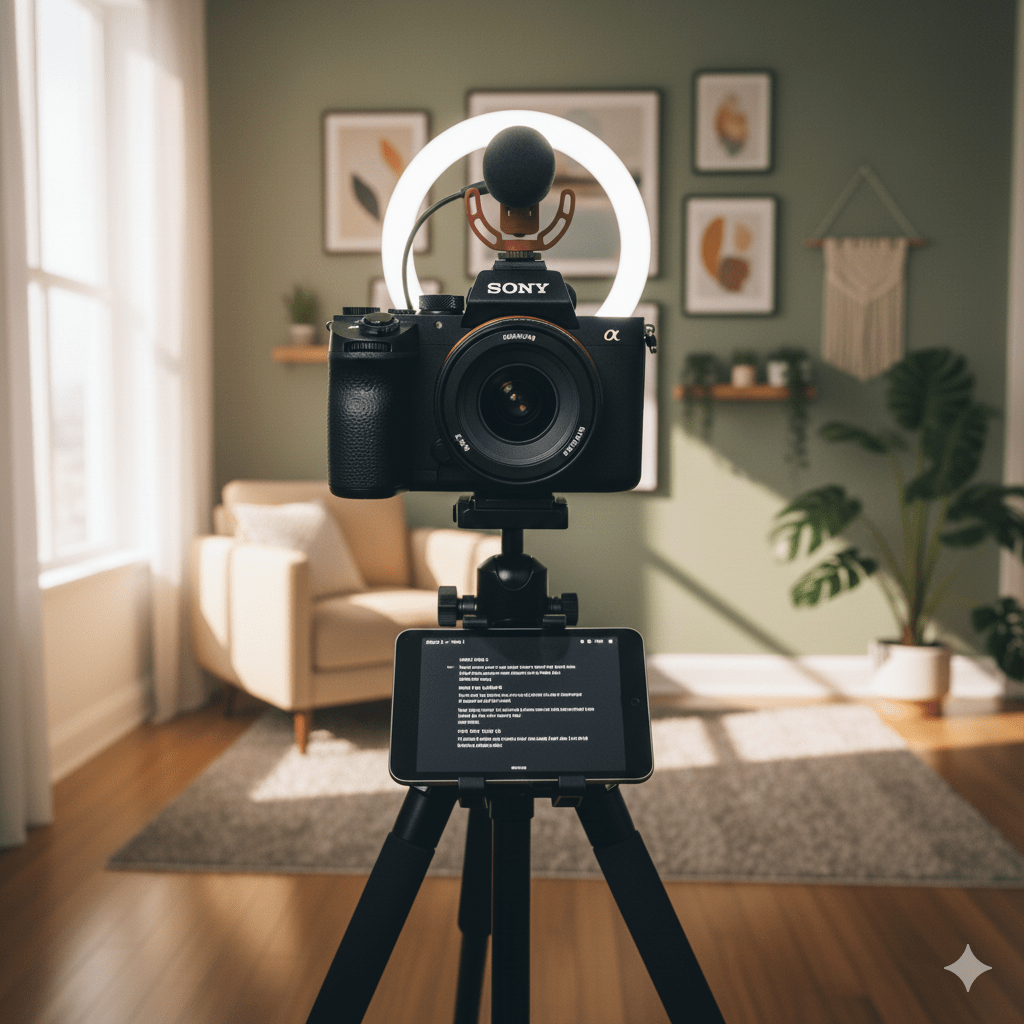
- Lighting: Use a ring light or natural window light. Avoid overhead lighting.
- Background: Keep it clean — neutral walls work best.
- Camera placement: Frame yourself from mid-chest up, eye-level with the lens.
- Sound: Use an external mic if possible, or record in a quiet room with rugs to absorb echo.
- Takes: Record multiple versions and pick your most natural one.
Remember: your job is to make it easy for casting directors to see your performance clearly.
Final Thoughts: You Don’t Need a Reader to Nail Your Self-Tape
Technology has changed the game for actors. You no longer need to wait on a friend, hire a reader, or miss a deadline because you couldn’t find someone to run lines with.
With AI tools like Rehearser.co, you can rehearse, self-tape, and perfect your performance — anytime, anywhere.
Whether you’re taping at midnight, in your apartment, or on the road, you’re no longer limited by logistics. All you need is your scene, your camera, and your drive to perform.
Ready to try it yourself?
Start your next self-tape today at Rehearser.co — the easiest way to rehearse and record with your own AI reader.
 Rehearser: The Blog